


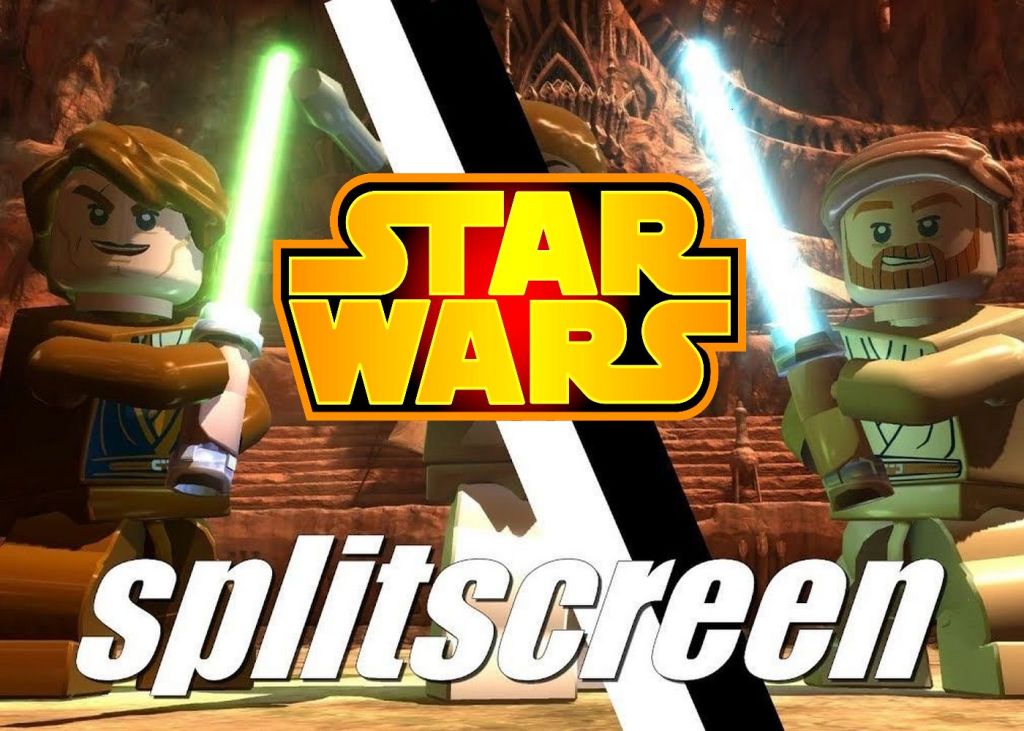
When it comes to couch gaming, few things are as satisfying as teaming up or battling against a friend in the Star Wars universe. From lightsaber duels to massive battles between the Empire and the Rebellion, Star Wars split-screen games offer fans a unique way to experience the galaxy far, far away together.
Whether you’re into intense shooters or lighthearted LEGO fun, this list covers the best Star Wars games with local multiplayer features – specifically those offering split-screen gameplay. Let’s explore some standout titles in this niche.
Besides Star Wars, do you also like Dragon Ball? Check the best games from the Dragon Ball universe in which you can compete in local PvP mode
Split-screen in LEGO Star Wars: The Force Awakens
LEGO Star Wars: The Force Awakens is a charming and humorous take on the events of the seventh episode of the Star Wars saga. Developed by TT Games, this title continues the studio’s tradition of cooperative LEGO action and puzzle-solving with a generous dose of fan service.
The game features full split-screen local co-op, allowing two players to control iconic characters such as Rey, Finn, Han Solo, and BB-8. The split-screen experience here is seamless and adaptive, using a dynamic system that shifts the screen based on player positions, making exploration and combat smoother.
Gameplay is accessible and family-friendly, featuring light platforming, puzzles, and plenty of collectible hunting. One of the most enjoyable aspects of split-screen in LEGO Star Wars: The Force Awakens is how it encourages teamwork – whether you’re piloting the Millennium Falcon or solving environmental puzzles together. The mix of humor and action makes this a perfect couch co-op game for players of all ages.
Split-screen in STAR WARS: Battlefront Classic Collection (2024)
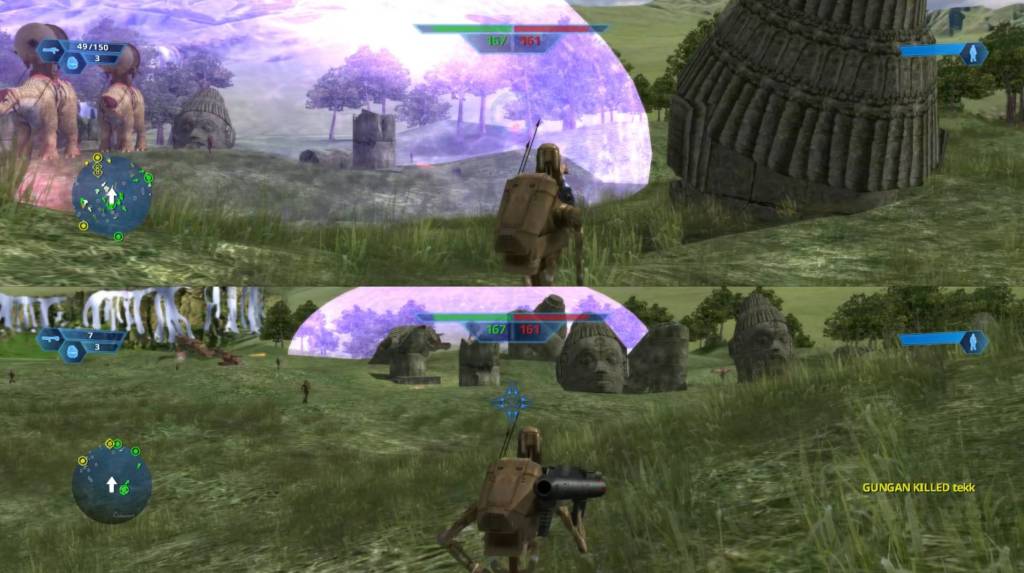
The STAR WARS: Battlefront Classic Collection, released in 2024, brings together the original Star Wars: Battlefront (2004) and Star Wars: Battlefront II (2005) in one polished package. These beloved third-person and first-person shooters are known for their large-scale battles, iconic characters, and engaging gameplay set across familiar locations like Hoth, Tatooine, and Endor.
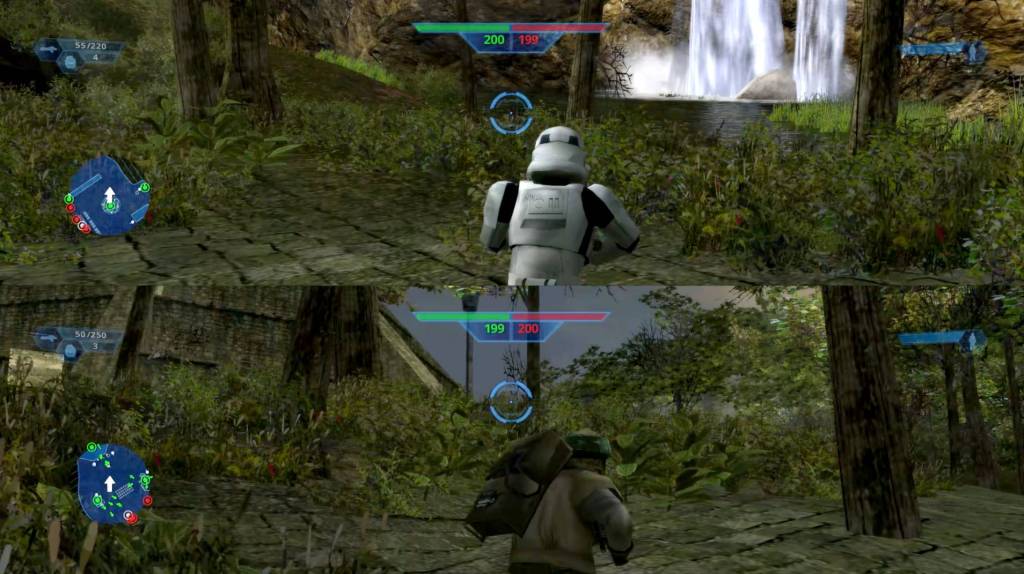
One of the major highlights of the Classic Collection is its robust local split-screen support, which remains true to the original games. Players can jump into Instant Action mode together on the same screen, choosing sides in Galactic Civil War or Clone Wars battles. Whether fighting as stormtroopers, clone troopers, or Jedi heroes, the split-screen mode offers an incredibly nostalgic and immersive way to experience Star Wars with a friend.
Additionally, co-op and versus options allow for strategic team play or head-to-head skirmishes. With upgraded resolution and improved performance, the Classic Collection is the definitive way to enjoy old-school Star Wars multiplayer on modern platforms—without needing any mods or workarounds.
Star Wars Battlefront II (2017) – split-screen with mods
While Star Wars Battlefront II (2017) by DICE offers a visually stunning and expansive multiplayer experience, split-screen functionality is officially limited in PC version. The game supports local split-screen only on consoles—and even then, only in specific modes such as Arcade Mode. These local modes allow for simple skirmishes and small-scale battles but lack the depth of the full multiplayer experience.
However, PC players can expand local multiplayer capabilities using unofficial mods. Through community-created modifications, it is possible to enable split-screen functionality beyond what the base game offers. These mods allow two players to enjoy broader aspects of the game locally, including campaign missions and full-scale battles, though setup can be complex and system requirements are demanding.
It’s important to note that using mods can affect game stability and is not officially supported by the developers. Nevertheless, for those willing to tinker, modding transforms Battlefront II into a much more compelling local multiplayer experience—bringing co-op and competitive action back to the couch.
Split-screen in LEGO Star Wars III: The Clone Wars
LEGO Star Wars III: The Clone Wars offers another excellent entry in the LEGO Star Wars series, this time focusing on the events and characters from the Clone Wars animated series. The game expands the classic LEGO gameplay formula with larger battles, RTS-like mechanics, and massive hubs to explore.
Just like other LEGO titles, this game supports local split-screen co-op, where players can drop in and out freely. What sets LEGO Star Wars III apart is its scale—players can engage in large-scale clone trooper battles, pilot vehicles, and take on bosses in a cooperative setting. The dynamic split-screen ensures that players never feel confined, making exploration of the vast Clone Wars landscapes fun and intuitive.
The game also introduces new mechanics like commanding units and managing battlefields, offering a fresh twist on traditional LEGO gameplay. Whether you’re solving puzzles in a Jedi Temple or battling droids in open warfare, LEGO Star Wars III is a highly enjoyable split-screen game for Star Wars and LEGO fans alike.

Conclusion: a galaxy of local multiplayer fun
From retro classics to modern block-building adventures, Star Wars split-screen games offer something for every kind of player. Whether you’re looking to relive the massive battles of the original Battlefront games, explore the new trilogy through LEGO comedy, or unlock expanded features with mods in Battlefront II (2017), these titles provide hours of local co-op and versus enjoyment.
In an era where couch co-op is becoming increasingly rare, these Star Wars games keep the spirit of local multiplayer alive in a galaxy not so far away.
FAQ
Looking for great split-screen games on PC?
Check out this roundup of the best split-screen titles. It’s an awesome resource for finding local multiplayer games that you can enjoy with friends on one computer.
Wondering if you can play together using just one controller and a keyboard?
Some games do allow it, but not all. For most offline multiplayer games, it’s safest to have two controllers ready to go – so you don’t run into any surprises when it’s time to play.
The article contains an affiliate link to the G2A.com store. If you buy games through it, you will support the Tekknological.com. Thanks a lot!
GeForce RTX 5050 4K test: the cheapest Blackwell GPU in an era of sky‑high prices and the return of 8 GB graphics cards
The NVIDIA GeForce RTX 5050 got hammered in early reviews and benchmarks. Critics called it underpowered (even versus previous-gen cards), complained about the mere 8 GB of VRAM, slammed the price, and generally treated it as a bit of a joke – the kind of card that makes people ask, “Who signed off on this?”.…
This laptop took 912 bricks to build – watch the process
I got a brick set for Christmas, specifically a laptop you assemble from bricks. At first, I thought it was a simple kit that would take me no more than 15 minutes to complete, but I was very wrong. The set has more than 900 pieces, so it turned into a much longer, but very…
Best split-screen games (part 1)
Here are the best split-screen games for great local multiplayer fun. You can play them on both consoles and PC. Split-screen mode is nothing more than a local multiplayer option, where each player in front of a monitor or TV has access to their own part of the screen. Split-screen mode can be used for…
 Tekknological - your ultimate gaming destination
Leave a comment